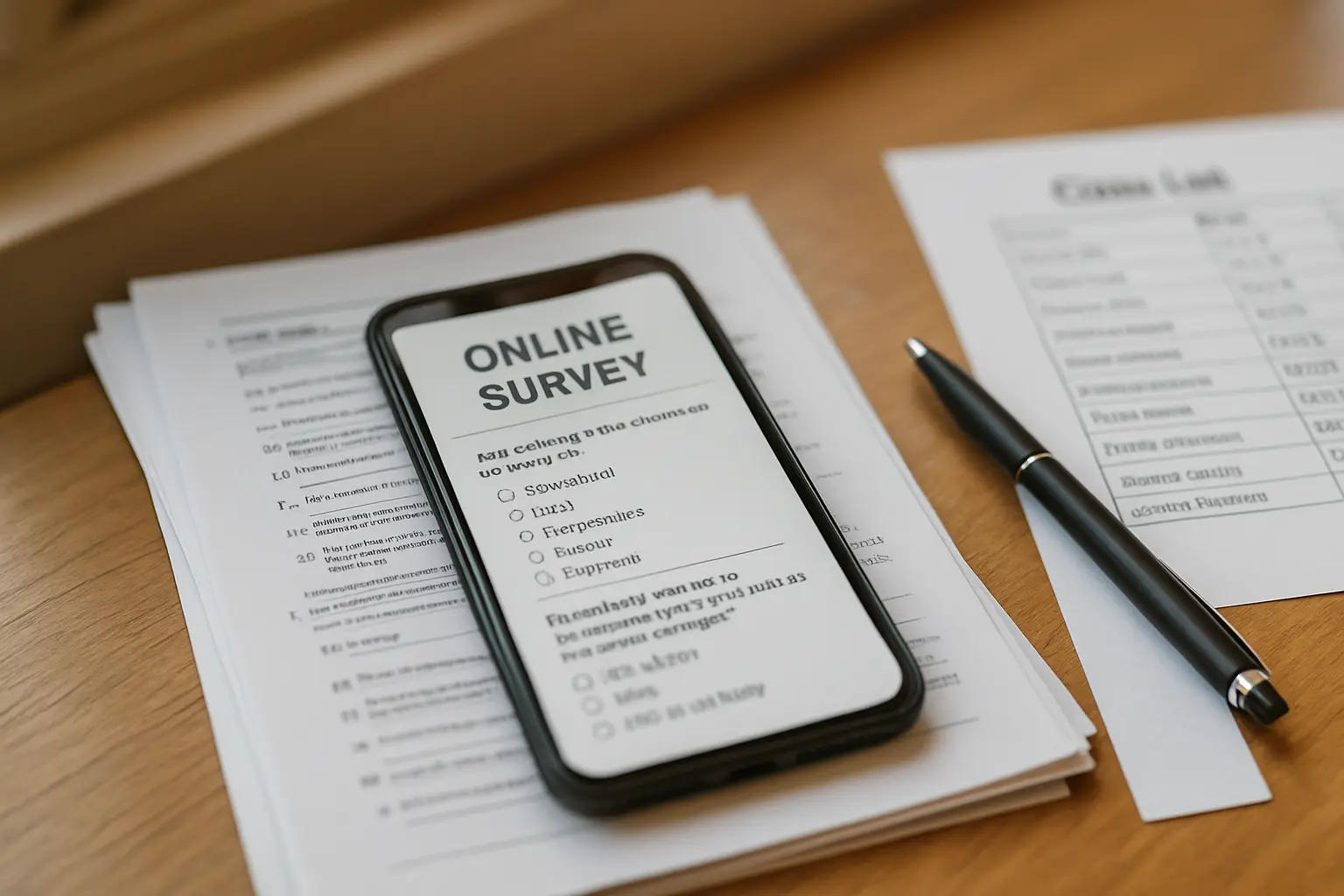
The delivery decision is made once, before a single respondent answers, and it cannot be undone halfway. Distribute a link, then discover the platform will not accept your 300th respondent, and those responses are simply gone. Print 350 questionnaires, then discover your respondents are spread across four campuses, and the printing money is gone too.
Here is the comparison, followed by the single limit that settles the question for a large number of Philippine students before any other criterion matters.
| Criterion | Google Forms | Microsoft Forms | Paper |
|---|---|---|---|
| Cost to you | Free with any Google account | Free, but the ceiling depends on the account type | Printing and transport |
| Response ceiling | Bounded by the responses spreadsheet, not the form | 200 on a free personal account; 5,000,000 on a school Microsoft 365 Education account | However many you print |
| Works without internet at fill time | No | No | Yes |
| Anonymous unless you change a setting | Yes | Depends on the account and sharing setting | Yes, if you do not ask for a name |
| Path into SPSS | Sheets to XLSX or CSV | Direct to Excel | Manual encoding |
| Encoding labour | None | None | Roughly a minute per questionnaire, plus checking |
| Best for | Most undergraduate surveys | Schools that issue Microsoft 365 Education accounts | Captive settings and low-connectivity respondents |
The 200-response cliff that ends the discussion for some students
Microsoft publishes its Forms limits, and one line in that table matters more to a Philippine thesis than everything else on this page. Asked how many responses a form or quiz can receive, the answer is up to 5,000,000 — but the note underneath reads: for Microsoft personal account (Hotmail, Live, or Outlook.com), the number of responses a form/quiz can receive is up to 200 for free accounts up to 1,000 for paid accounts.
Read that against a typical sample size. A Slovin computation on a population of 2,450 at a 5 per cent margin returns 344 respondents. A study of an entire year level in a mid-sized college routinely needs 250 to 400. On a free personal Microsoft account, the form stops accepting responses before you reach any of those numbers.
So the real question is not which platform is better in the abstract. It is: does your school issue you a Microsoft 365 Education account? If it does, Microsoft Forms is subject to a five-million ceiling and is an entirely serviceable choice. If you are signing up with a personal Outlook address, it is the wrong tool for a thesis, and the failure arrives late, when the data is already half-collected.
Google Forms: the sensible default, and where its limit actually sits
Google Forms is free with any Google account, including the personal one you already have, and the ceiling behaves differently. The binding constraint is the spreadsheet the responses land in: Google’s published Drive limits allow a Google Sheet up to 10 million cells or 18,278 columns. A sixty-item instrument occupies roughly sixty columns, so the arithmetic gives you room for a respondent count no undergraduate study will approach.
Two behaviours are worth knowing before you build the form.
It does not collect email addresses unless you tell it to. A Google Form is anonymous by default; identifying respondents is an explicit change under Settings, then Responses, then Collect email addresses. Leave it alone unless your design needs follow-up with the same individuals, such as a matched pre-test and post-test.
The export path into your analysis is short. Responses go to a linked Google Sheet, which downloads as XLSX or CSV and opens directly in SPSS. What you still have to do by hand is the coding: turning “Strongly Agree” into 4, defining each variable’s measure, and reverse-scoring the negatively worded items. That work is identical whichever platform produced the file, and the order of operations is set out in the guide to analysing your thesis data in SPSS step by step.
One setting costs nothing and prevents the commonest defect: mark every substantive item Required. A half-finished submission is the same problem as a half-accomplished paper questionnaire, and the medium can prevent it for you.
Paper is not the fallback. Sometimes it is the correct answer.
Students treat paper as what you use when you cannot manage an online form. That is backwards. Three common Philippine settings favour it outright.
- Your respondents are in one room. A section, a barangay hall, the sari-sari store owners along one street. If you can be physically present, paper distributed and collected in the same sitting outperforms any link.
- Your respondents may not have data or a device. Out-of-school youth, farmers, senior citizens, elementary pupils. An online instrument here does not measure your variable; it measures who owns a smartphone with load, and it silently deletes everyone else from your sample.
- Your instrument needs supervision. If items require explanation, or you are administering to minors with a guardian present, you have to be in the room anyway.
Price the cost before deciding. Encoding runs to roughly a minute per questionnaire plus a verification pass, so 326 of them is a full day of somebody’s life. You also become responsible for a stack of physical documents containing personal information, which needs a lockable drawer and a disposal date.

What actually drives your retrieval rate
It is not the medium. It is whether you are present when the instrument is answered.
The ordering is stable: paper handed out and collected in the same sitting does best; an online form filled during a scheduled session in a computer laboratory does nearly as well; a link posted to a group chat and left to work on its own does worst, often dramatically so. A link in a group chat is not data collection; it is a request, and most people who see it are busy.
Whichever you choose, Chapter 3 has to carry three separate numbers — how many instruments were distributed, how many were retrieved, and how many were completely accomplished and used in the analysis. Those three figures are what a panel reconciles against your tables, and the count that appears in Chapter 4 is the third one. Where each belongs is set out in the guide to writing Chapter 3 section by section, and the reconciliation a panel performs is described in writing Chapter 4 table by table. None of it applies in the same shape to a qualitative design, where an interview is not a form — which of the two your study needs is settled earlier, in quantitative vs qualitative research for a thesis.
What Philippine data privacy law says, including the exemption most students have never heard of
Republic Act No. 10173, the Data Privacy Act of 2012, governs the processing of personal information in the Philippines, and a thesis questionnaire processes personal information. Three provisions matter to you, and the third one is the surprise.
First: your profile sheet probably collects sensitive personal information. The Act defines that category to include information about an individual’s race, ethnic origin, marital status, age, colour, and religious, philosophical or political affiliations, and about an individual’s health, education, genetic or sexual life. Read that against the first page of almost any Philippine thesis instrument, which asks age, civil status, religion and educational attainment as a matter of routine. That is the category the law treats most protectively.
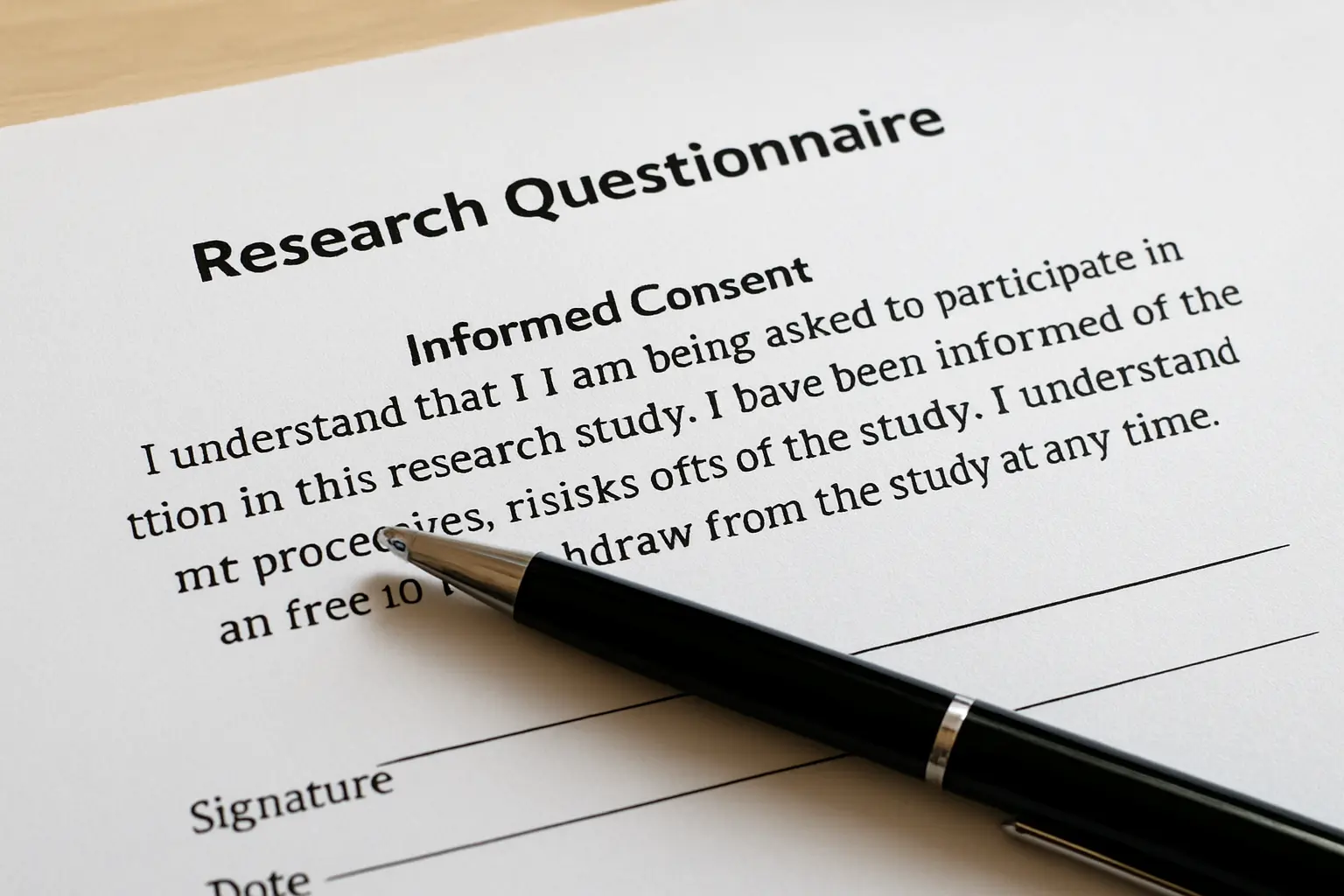
Second: electronic consent counts. The Act defines consent as “any freely given, specific, informed indication of will”, and states it “shall be evidenced by written, electronic or recorded means”. A required tick-box beneath a clear disclosure is electronic evidence; no wet signature is needed.
Third, and this is the part that gets misreported: there is a research exemption. Section 4 lists what the Act does not apply to, and paragraph (d) reads: personal information processed for journalistic, artistic, literary or research purposes. Section 19 then sets out when the data-subject provisions fall away — where the processed personal information is “used only for the needs of scientific and statistical research and, on the basis of such, no activities are carried out and no decisions are taken regarding the data subject”, provided that the information “shall be held under strict confidentiality and shall be used only for the declared purpose”.
So the honest statement is not that the law forces you to obtain consent for a thesis. It is that the exemption is conditional, and its conditions are exactly what a careless group gets wrong. Used only for research. No decisions taken about the individual respondent. Strict confidentiality. The declared purpose only. A group that posts the response spreadsheet in a group chat, keeps the file afterwards for something else, or lets a respondent be identified by name has stepped outside the conditions the exemption rests on.
And it is an exemption from the statute, not from your university. Ethics review, your research manual and your adviser’s requirements all still apply, and “did you obtain ethics clearance, from whom, and when” is a standard question at a defence — one of many collected in the guide to what panels ask during a thesis defense.
The consent block to put at the top of your instrument
The Act’s own list of what a data subject must be told before their information enters the system is the best available template. It names the description of the information collected, the purposes and method of processing, who it may be disclosed to, the identity and contact details of whoever is collecting it, the storage period, and the respondent’s rights of access and correction. Compressed into something a respondent will actually read:
“This questionnaire is part of an undergraduate thesis on [topic] conducted by [names] of [programme, institution], under the supervision of [adviser]. It asks for [type of information, including your age and civil status] and takes about [n] minutes. Your responses will be used only for this study, reported only as group totals, and will not be used to make any decision about you individually. No names are collected. The data will be kept confidentially by the researchers and destroyed after [date]. Participation is voluntary and you may stop at any time. For questions, contact [email]. Ticking below indicates that you have read this and agree to participate.”
Every clause there is doing work, and “reported only as group totals” is doing the most — it is also simply true, since Chapter 4 reports means and frequencies rather than individuals.
What you write in Chapter 3
The methodology chapter has to name the mechanism, not just the instrument:
“The questionnaire was administered through Google Forms, distributed via the official class group pages of the participating sections with the permission of the College, from [date] to [date]. A consent statement appeared as a required item before the first question. Of the 344 target respondents, 331 submitted responses and 326 were completely accomplished and used in the analysis.”
On paper, the same sentence names the venue and retrieval arrangement instead. Either way the platform, the period, the permission and the three counts are all stated. The tools you then apply are declared separately, in the statistical treatment of data in a thesis, and the way the whole document must agree with itself is summarised in Chapters 1 to 5.
The recommendation
Use Google Forms unless you have a specific reason not to. Free, anonymous by default, exports cleanly, and its ceiling is irrelevant at thesis scale.
Use Microsoft Forms only if your school issues you a Microsoft 365 Education account. Check the account type first; the 200-response cap on a free personal account is a silent, late-arriving failure.
Use paper when you can be in the room, or when your respondents cannot reliably get online. Budget a day for encoding and a lockable drawer for the stack.
And pilot the instrument on five people first, whichever you pick. A pilot catches the ambiguous item, the missing answer option and the question everyone skips. It costs an afternoon; finding those defects after 300 responses costs the semester.
Your data is collected. Now write the chapter around it.
Tesify holds your chapters in the structure your research manual expects and keeps every citation attached to a source you actually opened, so the week after collection goes into analysis instead of formatting. Over 9,000 students have used it to write more than 15,000 chapters, and every word is still written by you.
Frequently asked questions
How do I collect thesis data online in the Philippines?
Build the instrument in Google Forms, put a consent statement as a required first item, set every substantive question to Required, and distribute it through official class or organisation channels with permission rather than by broadcasting a bare link. Then export the responses to a spreadsheet for encoding.
Is Google Forms or Microsoft Forms better for a thesis?
Google Forms for most students, because it is free with a personal account and its response ceiling is set by the responses spreadsheet rather than the form. Microsoft Forms is equally capable if your school issues a Microsoft 365 Education account, which raises the limit to five million responses.
How many responses can Microsoft Forms accept?
Up to 5,000,000 on a school or work account. On a free Microsoft personal account it is up to 200, and up to 1,000 on a paid personal account. For a thesis needing 300 or more respondents, the personal-account limit is disqualifying.
Does Google Forms have a response limit?
The practical constraint is the linked spreadsheet. Google’s published Drive limits allow a Google Sheet up to 10 million cells or 18,278 columns, which for a normal-length instrument is far beyond any undergraduate sample.
Are Google Forms responses anonymous?
By default a Google Form does not collect email addresses, so responses are not tied to an identity unless you enable collection under Settings, then Responses, or unless you ask for a name in a question. Leave both alone unless your design requires identifying respondents.
Do I need consent for a thesis questionnaire in the Philippines?
Republic Act No. 10173 excludes personal information processed for research purposes from the Act, and the exemption is conditional on the data being used only for research, held under strict confidentiality, used only for the declared purpose and not used to make decisions about the respondent. Institutional ethics requirements are separate and still apply, so include a consent statement.
Is a tick-box valid consent?
The Act defines consent as a freely given, specific and informed indication of will and states that it shall be evidenced by written, electronic or recorded means. A required tick-box beneath a clear disclosure is electronic evidence.
Is asking for age and religion sensitive personal information?
Yes. The Act’s definition of sensitive personal information expressly names age, marital status, religious affiliation, health and education, all of which appear on a routine thesis profile sheet. Collect only the profile variables your research questions actually use.
What if my form gets fewer responses than my computed sample size?
Report what you actually achieved rather than the target, and say so plainly in Chapter 3 and in your limitations. A shortfall you disclose is a limitation; a shortfall you conceal by quoting the computed figure is a defect a panel finds by adding up your table.